What to Post on LinkedIn to Grow Your Business

LinkedIn has changed. The platform that used to feel like a glorified CV site is now one of the most powerful places for business owners and entrepreneurs to build an audience, generate leads, and grow a business without spending a cent on ads.
The people doing it well aren't posting corporate updates or sharing industry news. They're posting content that feels personal, specific, and genuinely useful, and their audiences are growing because of it.
So what actually works? Here's a breakdown of the content types that consistently perform on LinkedIn, with practical guidance on how to approach each one.
1. Carousel Posts (Document Posts)
Carousels are the highest-engagement format on LinkedIn right now. They show up in the feed as a document with a "swipe to read" prompt, and because swiping is an active behaviour, people who interact with them tend to stay engaged longer than with static posts.
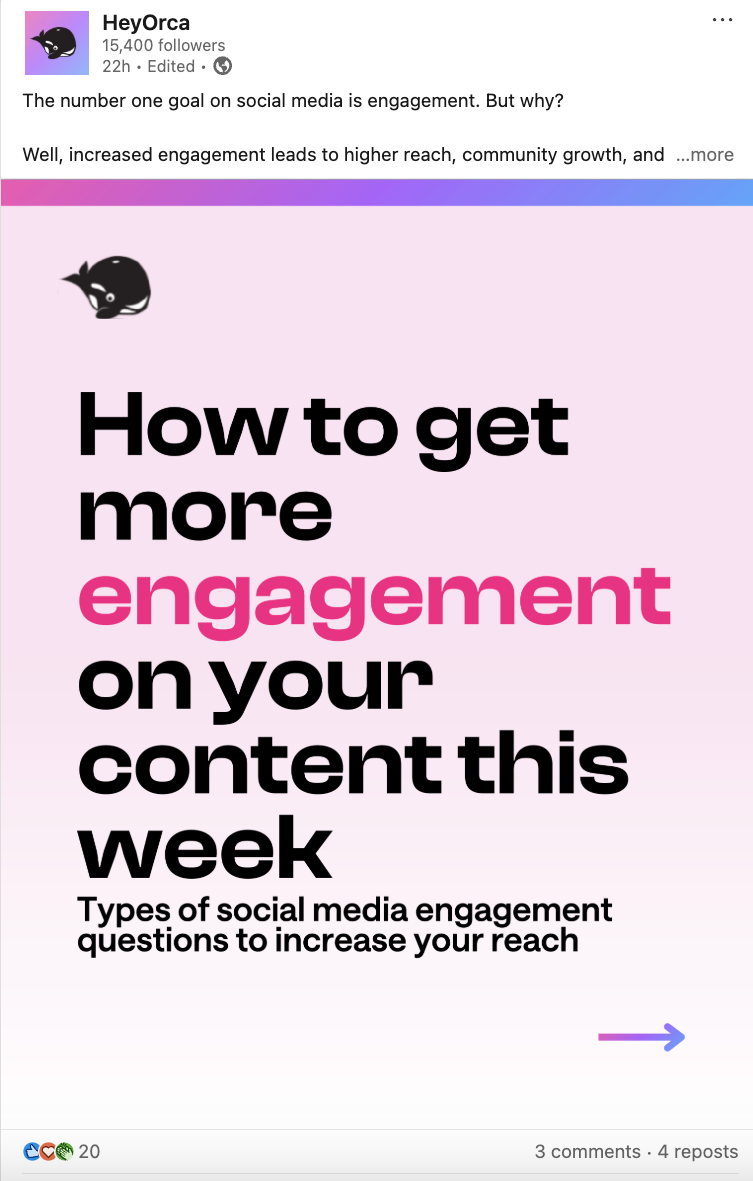
The format is perfect for business owners who want to teach something: a framework, a step-by-step process, a breakdown of a concept your audience struggles with. Each slide covers one point, and the cumulative effect by the end is that the reader feels like they've genuinely learned something.
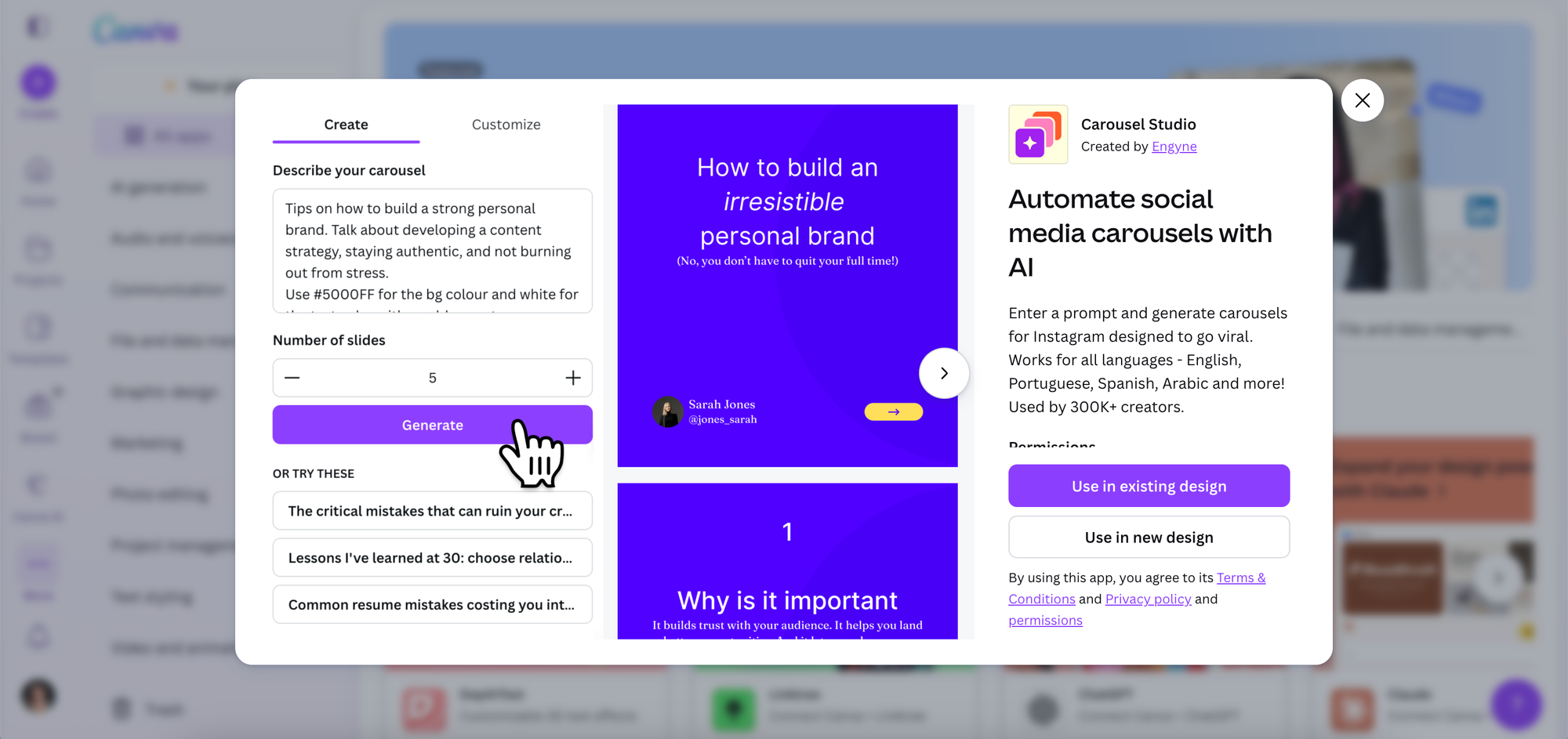
To create a LinkedIn carousel in Canva, design your slides as individual pages, then download as a PDF and upload it as a document post. Tools like Carousel Studio can generate a polished, ready-to-use carousel inside Canva from a single text prompt, which takes most of the production work off your plate.
What works well: Step-by-step frameworks, myth-busting content, "X things I've learned" posts, and practical how-tos.
2. Text-Only Posts
No image, no link, no document. Just well-written text posted directly to LinkedIn.
These posts tend to perform well because the LinkedIn algorithm favours native content, and text-only posts with strong hooks often outperform posts with attachments in terms of raw reach. The key is the first line. LinkedIn truncates posts after two or three lines in the feed and shows a "see more" link. Everything depends on whether that first line is compelling enough to make someone click through.
A strong first line creates curiosity, challenges an assumption, or makes a direct and specific statement. Weak first lines start with "I'm excited to announce" or "Something I've been thinking about lately is..."
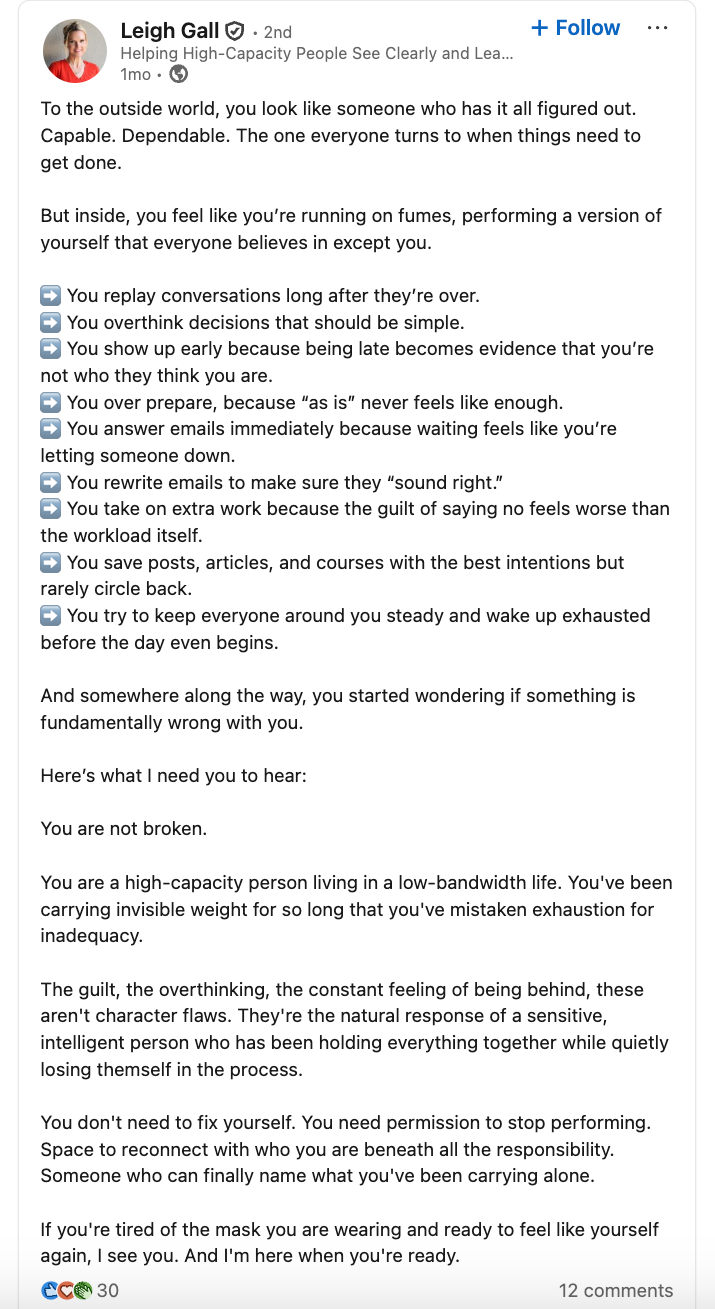
What works well: Personal observations, contrarian takes, short stories with a clear lesson, and honest reflections on business or entrepreneurship.
3. Behind-the-Scenes Content
What does your business actually look like day to day? What decisions are you making, what are you learning, what's harder than you expected?
LinkedIn audiences respond well to transparency, particularly from founders and business owners building something. You don't need to share everything, but the posts that feel like a genuine look behind the curtain tend to attract far more engagement than polished, corporate-sounding updates.
"Building in public" is a format that works particularly well here: sharing milestones, setbacks, experiments, and results as they happen rather than only when things go well.
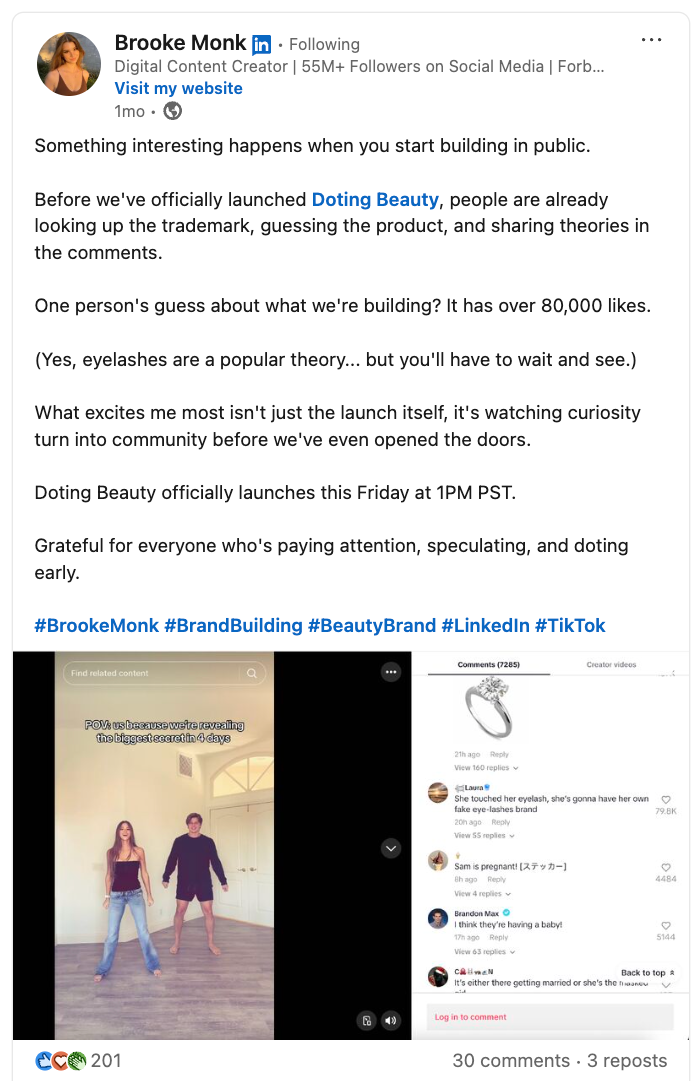
What works well: Revenue milestones, lessons from failures, process experiments, hiring and team decisions, and honest reflections on what's working and what isn't.
4. Thought Leadership and Hot Takes
LinkedIn is a platform where people come to learn and to think. Posts that offer a clear, well-reasoned perspective on something relevant to your industry tend to travel well, especially when they push back on a commonly held belief.
The goal isn't to be contrarian for its own sake. It's to share a perspective that's genuinely yours, grounded in your experience, and that makes the reader think rather than just nod along. These posts spark conversation in the comments, and comment activity is one of the strongest signals to the LinkedIn algorithm.
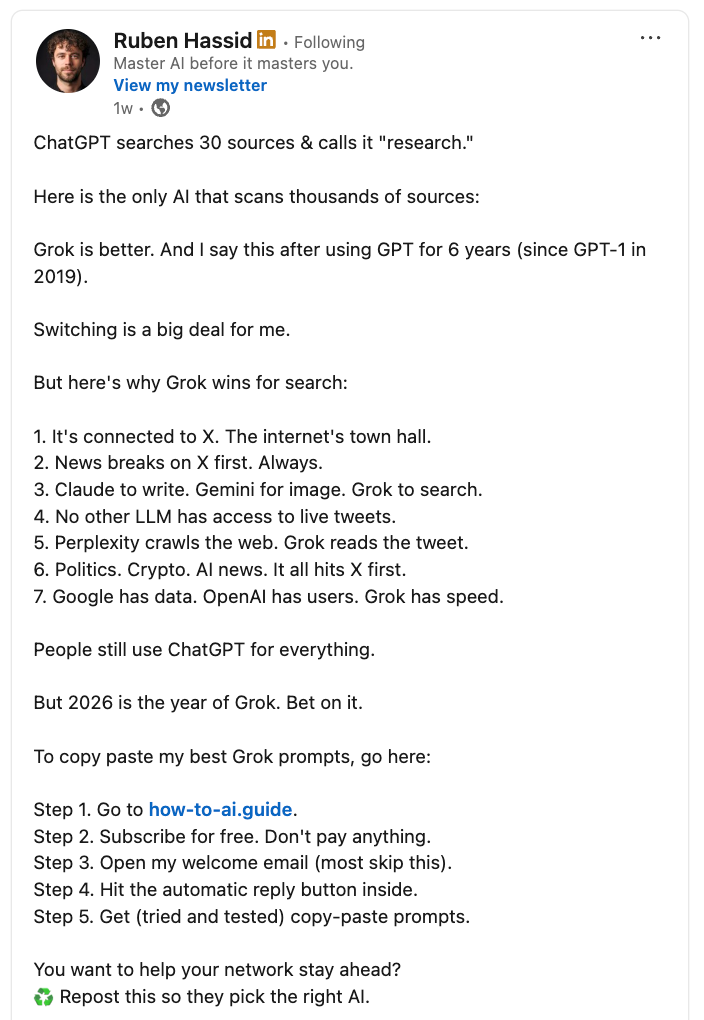
What works well: "Unpopular opinion:" posts, reframes on conventional wisdom, direct takes on industry trends, and perspectives that challenge what "everyone knows."
5. Personal Stories
Some of the most-engaged posts on LinkedIn are personal stories that connect to a business or professional lesson. The story itself can be about a client win, a failure, a conversation, a turning point, or even a mundane moment that led to a useful realization.
The structure that works is simple: something happened, here's what it made me think, here's what it means for you. The story is the hook, the lesson is the value, and the application is what makes it shareable.
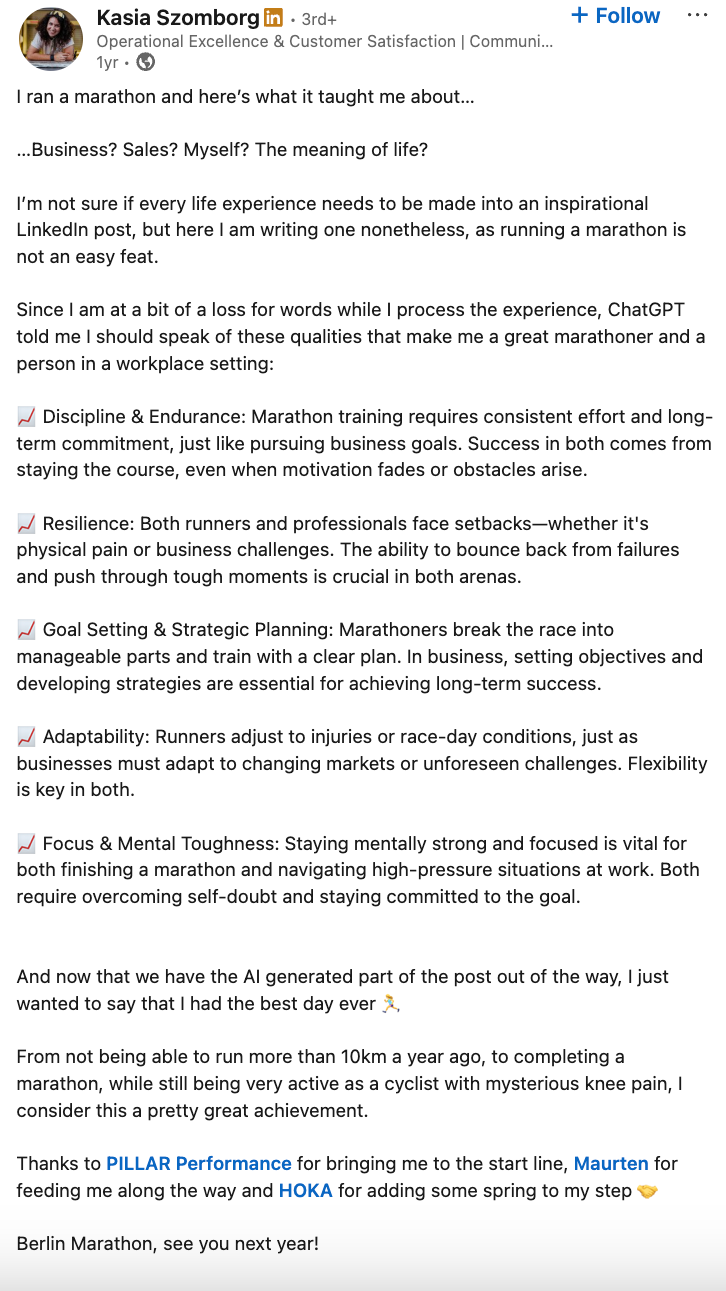
One caveat: the story needs to be specific. Vague stories with generic lessons ("I learned that persistence pays off") don't land. Specific stories with specific lessons do.
What works well: Client transformation stories, founder journey moments, realisations from conversations, and honest accounts of decisions you got wrong.
6. Practical Tips and Quick Wins
Short, actionable posts that give the reader something useful they can apply immediately. These don't need to be long. In fact, the most effective versions of this format are concise by design: a numbered list, a few direct sentences, or a single insight with a brief explanation.
These posts get saved at high rates, which tells the LinkedIn algorithm that the content is valuable, which in turn extends its reach.
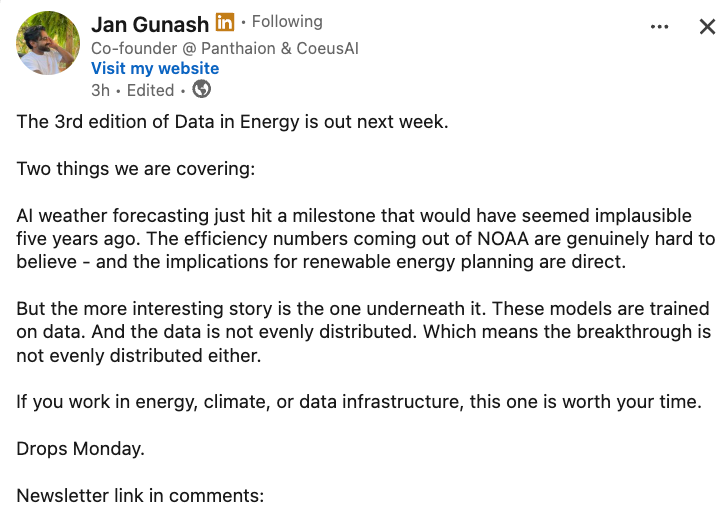
What works well: Tool recommendations, workflow tips, prompts for common tasks, and condensed frameworks.
7. Polls
LinkedIn polls are underused relative to how well they perform. They show up prominently in the feed, require almost no effort to engage with (just one click), and generate comment discussions when people want to explain their answer.
Use polls to ask questions your audience genuinely has a range of opinions on. The more specific and relevant to your niche, the better the engagement.
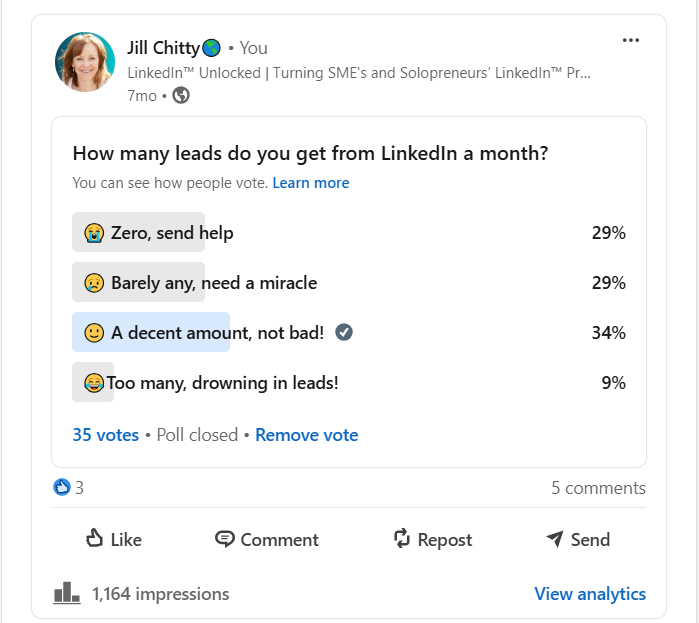
What works well: "Which do you find harder?" style questions, preference checks on relevant topics, and questions that are easy to answer but interesting to discuss.
What to Avoid on LinkedIn
A few patterns that consistently underperform or harm reach:
Putting links in the post body. LinkedIn suppresses posts that contain external links because the platform wants to keep users on LinkedIn. Put any links in the first comment instead, and reference them in the post ("link in comments").
Engagement bait. "Like if you agree" and "Tag someone who needs this" prompts used to work. They don't anymore, and they can actually reduce reach.
Posting and disappearing. The LinkedIn algorithm rewards posts that generate comment activity quickly after publishing. Staying around to reply to every comment in the first hour or two after posting makes a measurable difference to how far your post travels.
Overly polished, corporate copy. LinkedIn audiences respond to human voices. Posts that read like press releases, or that are so carefully hedged and professional that there's no actual personality in them, tend to scroll past without much engagement.
How Often Should You Post?
Three to five times per week is the range most LinkedIn growth experts recommend, but consistency matters more than frequency. Posting twice a week every week will outperform posting five times a week for a month and then going quiet.
Start with a frequency you can realistically sustain, and build from there. The algorithm rewards accounts that post regularly and generate engagement, not accounts that post in bursts.
Frequently Asked Questions
What type of content performs best on LinkedIn?
Carousel posts (document posts) consistently generate the highest engagement in terms of time spent and shares. Text-only posts often get the furthest reach. Personal stories and thought leadership posts tend to drive the most comments. A content mix that includes all three tends to outperform relying on any single format.
How long should a LinkedIn post be?
Long enough to deliver the value, short enough to keep attention. For text posts, anywhere between 150 and 600 words tends to work well. The most important thing is the first two lines, since that's what shows in the feed before the "see more" cutoff.
Should I post on LinkedIn every day?
Daily posting can work well if you have enough to say and the time to engage with comments consistently. For most business owners, three to five times per week is more realistic and sustainable. Quality and consistency matter more than volume.
Do hashtags help on LinkedIn?
They have less impact than they once did, but including three to five relevant hashtags at the end of a post doesn't hurt and can help your content surface in hashtag feeds. Avoid stuffing posts with hashtags, which looks spammy and doesn't improve performance.
Is LinkedIn better than Instagram for growing a business?
It depends entirely on your business and audience. LinkedIn skews towards B2B, professional services, and knowledge-based businesses. Instagram is stronger for B2C, visual brands, and lifestyle-adjacent businesses. Many business owners find that maintaining a presence on both and adapting content to suit each platform gives them the best results overall.
How do I get more followers on LinkedIn?
Consistent posting, commenting thoughtfully on other people's content, and engaging with your own comments quickly after posting are the three most reliable growth levers. Profile optimisation (a clear headline, a strong about section, and a professional photo) also makes a difference to the conversion rate of people who visit your profile after seeing your posts.