7 Instagram Carousel Post Ideas to Increase Engagement

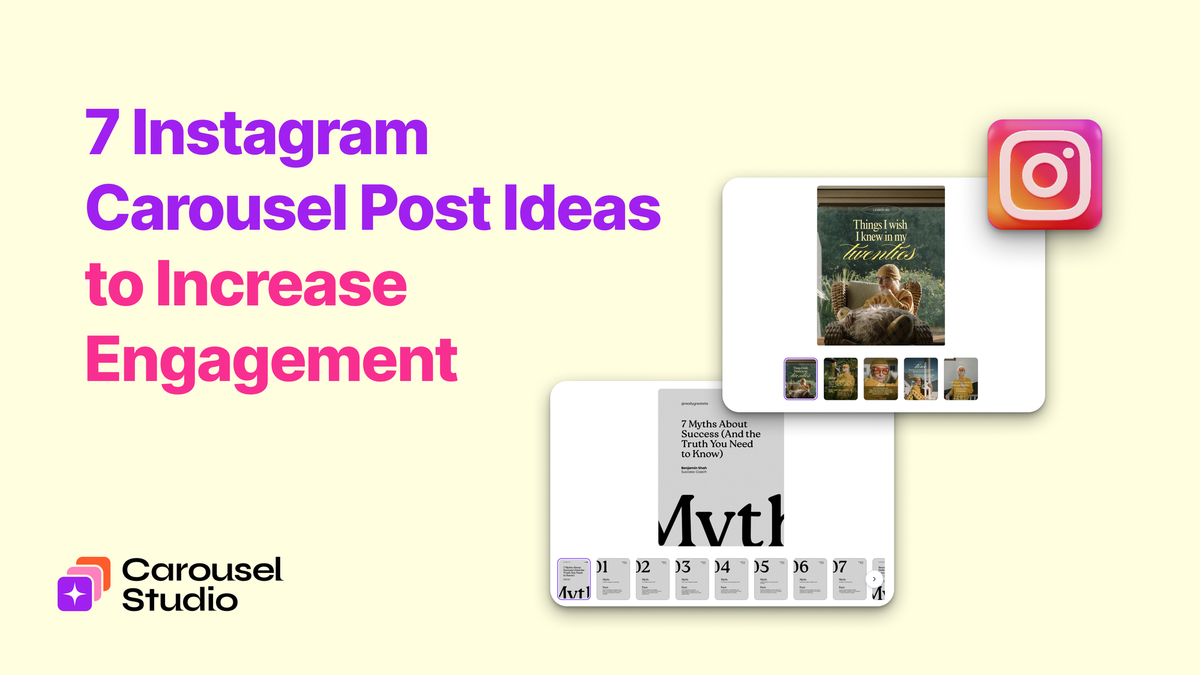
Carousels are consistently one of the best-performing formats on Instagram. They get more saves, more shares, and more time on post than almost anything else in the feed, and the algorithm responds accordingly.
The challenge most business owners run into isn't the design side. It's knowing what to actually make. Sitting down to create a carousel and staring at a blank canvas is one of the more reliable ways to lose an afternoon without publishing anything.
These seven ideas are a starting point. Each one is a format that works repeatedly across different niches and audiences, with notes on how to approach it and what makes it land.
Ideas At a Glance
- The Step-by-Step Tutorial
- The Myth vs. The Reality
- "X Things I Wish I'd Known"
- The Before and After
- The "What Nobody Tells You About X" Post
- The Quick Win List
- The "This or That" / Opinion Post
1. The Step-by-Step Tutorial
Walk your audience through a process from start to finish. One step per slide, a clear cover that tells them exactly what they'll learn, and a final slide that either recaps or prompts a next action.
This is the format that gets saved more than almost any other, because people want to come back to it. A tutorial they can reference is far more valuable than one they scroll past and forget.
The key: Be specific enough that the tutorial is actually useful. "How to plan your week" is vague. "How I plan my week as a freelancer in under 30 minutes" is something people save.
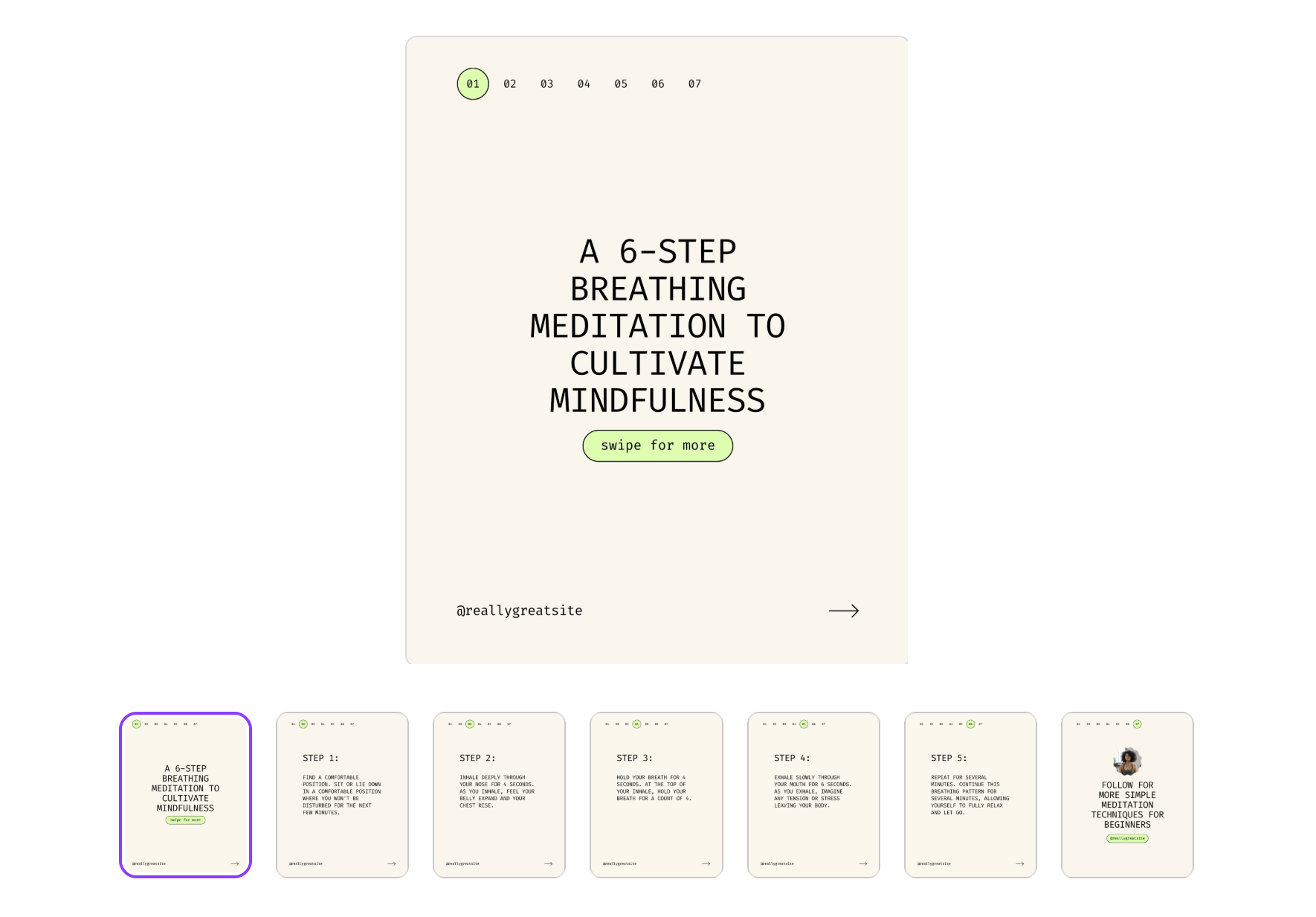
Example topics: How to write a compelling bio, how to set up a content calendar, how to price a service, how to edit photos on your phone.
2. The Myth vs. Reality Post
Pick three to five common misconceptions in your niche and debunk them one by one. Each slide pairs the myth with the reality, and the contrast is what drives engagement. People share these because they feel like they've learned something and want their audience to know it too.
This format works especially well for coaches, consultants, and educators whose audience holds beliefs that are getting in their way.
The key: The myths need to be things your audience actually believes, not obvious nonsense. The more the reader thinks "I thought that was true," the more valuable the post feels.
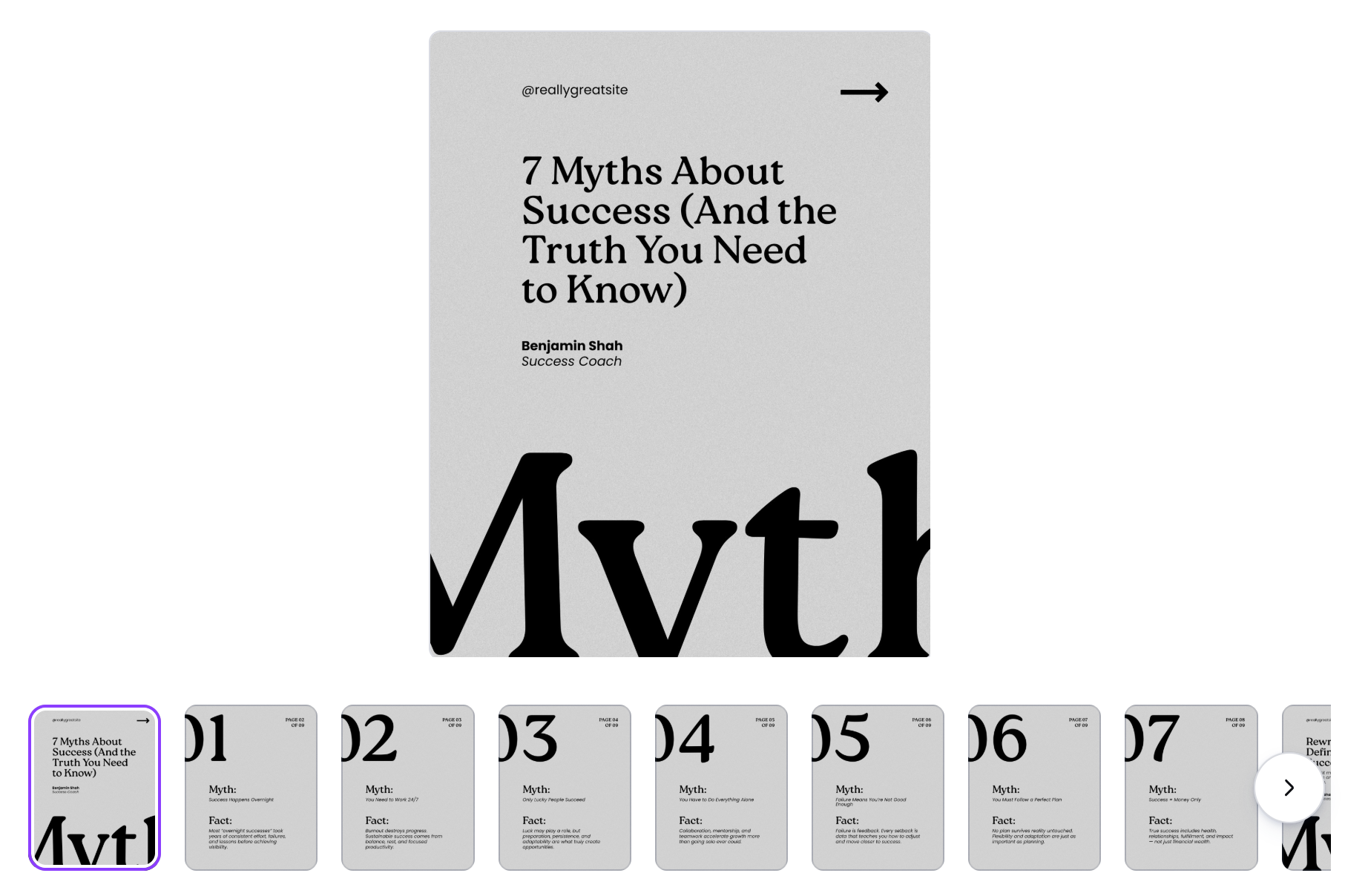
Example topics: Myths about pricing, social media myths, common misconceptions about fitness/nutrition/money/relationships, things people get wrong about your industry.
3. "X Things I Wish I'd Known"
A personal list of lessons, realizations, or hard-won insights. The "I wish I'd known" framing works because it's honest, it positions you as someone with genuine experience, and it makes the reader feel like they're getting something they couldn't have Googled.
These posts tend to perform well on both saves and shares. The saves come from people who want the list for themselves. The shares come from people who want their audience to have it.
The key: Keep the lessons specific and personal. Generic advice ("believe in yourself," "stay consistent") fills feeds and gets ignored. Specific observations from real experience are what people stop for.
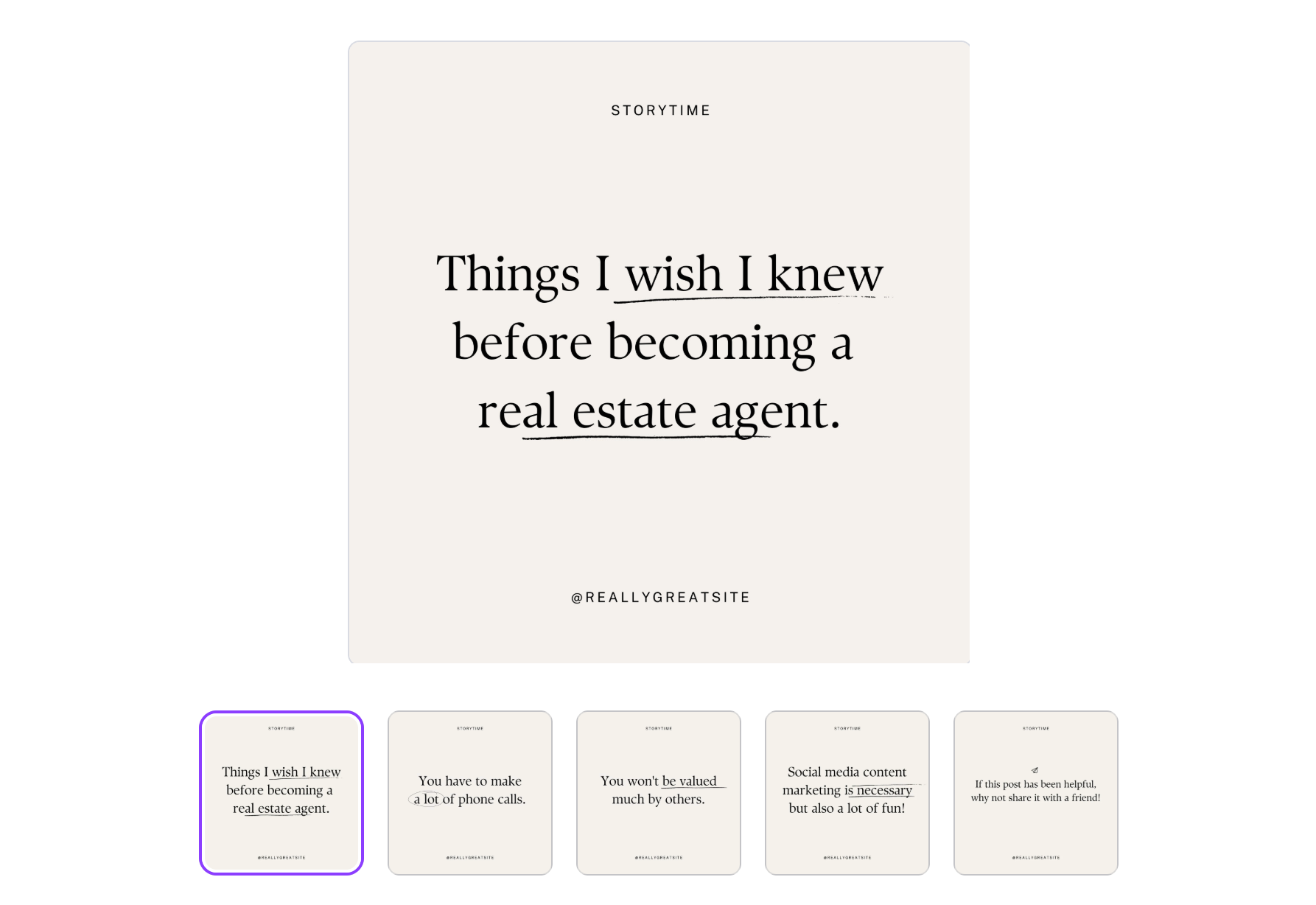
Example topics: Things I wish I'd known before starting a business, before hiring my first team member, before launching my first course, before posting on social media every day for a year.
4. The Before and After
Contrast two states, two approaches, or two outcomes across your slides. This could be a literal visual before-and-after, or it could be a conceptual one: "before I had a content strategy" vs. "after I had a content strategy," for example.
The contrast format is one of the most intuitive ways to communicate transformation, which is why it shows up so often in high-performing content across every niche.
The key: The contrast needs to be meaningful and recognisable. The reader should see themselves in the "before" state and aspire to the "after."
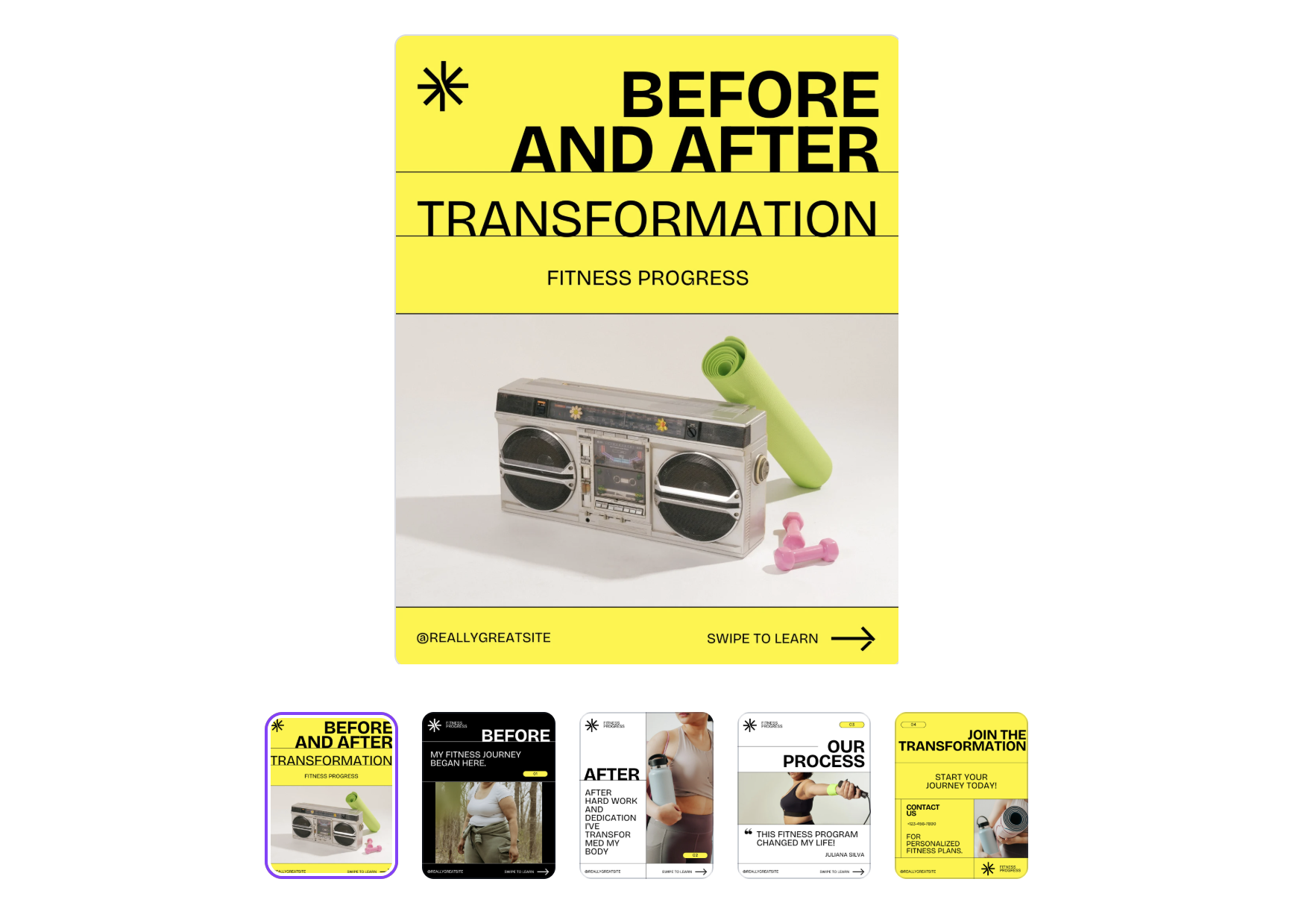
Example topics: Before and after a brand refresh, a mindset shift, a pricing change, a workflow overhaul, adopting a new tool or system.
5. The "What Nobody Tells You" Post
This format thrives on the feeling of insider knowledge. Your audience gets to feel like they're learning something most people don't know, which makes the content feel valuable and worth sharing.
Frame it around a topic your audience cares about and fill it with specific, honest observations rather than things that are genuinely common knowledge dressed up as secrets.
The key: The observations need to be things your audience is actually unlikely to have encountered elsewhere. The more niche and specific, the better this format performs.

Example topics: Things nobody tells you about being self-employed, about growing a personal brand, about working with clients, about launching a product.
6. The Quick-Win List
Five to eight actionable tips that the reader can implement immediately. Short slides, one tip per slide, no fluff. These posts are popular because they respect the reader's time and deliver a clear, tangible takeaway without asking them to read an essay.
The quick-win format gets shared frequently because it's easy to pass on: "Here, this might help."
The key: The tips need to be genuinely actionable, not vague. "Post consistently" is not a tip. "Post at the same time every day for two weeks and check your insights to see when your audience is most active" is a tip.
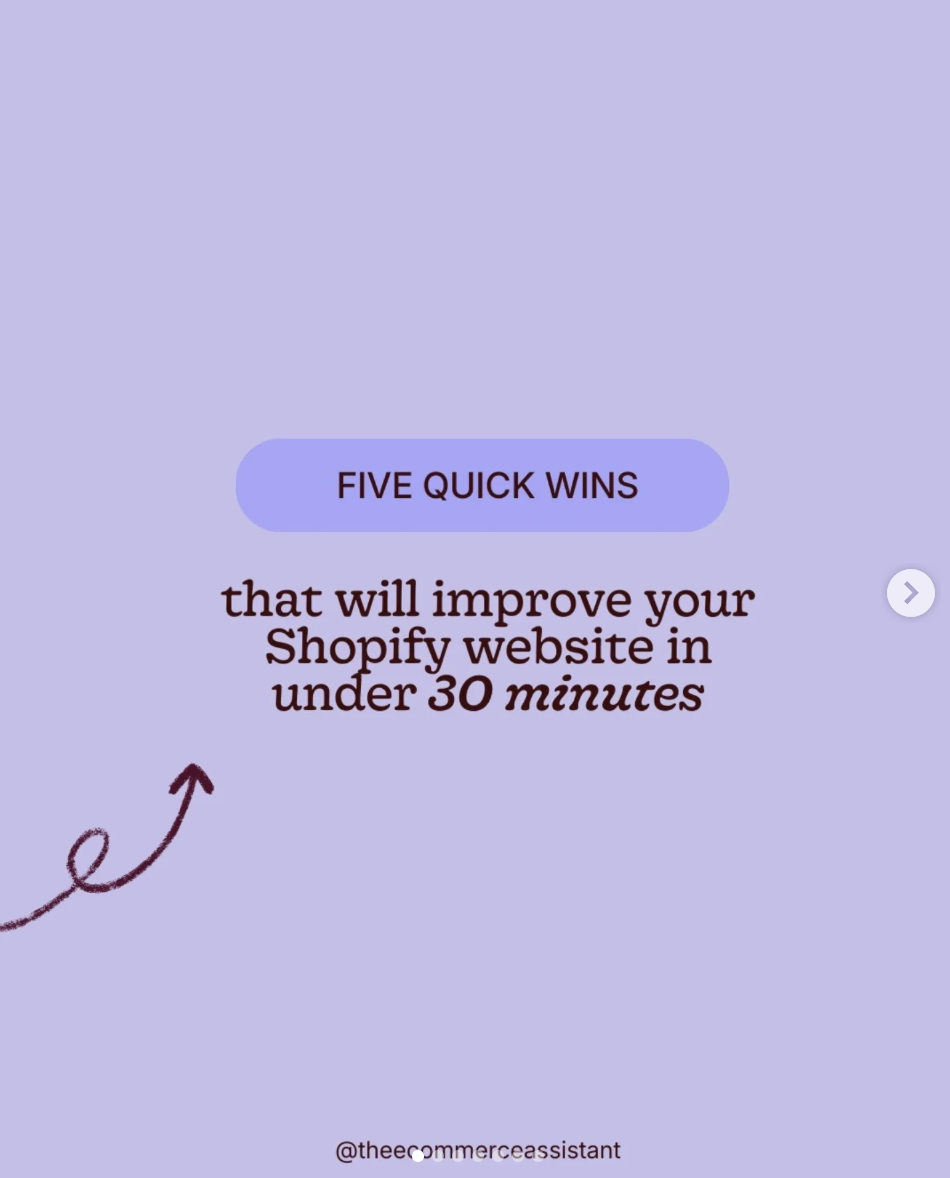
Example topics: Quick wins for better sleep, more productive mornings, faster design, better copy, stronger client relationships, higher-converting sales calls.
7. The "This or That" / Opinion Post
Share your take on a topic in your niche where there's a real debate. Frame it as a clear recommendation rather than a wishy-washy "it depends," and back it up with reasoning across your slides.
These posts drive comment activity because people who agree want to say so, and people who disagree really want to say so. Comment activity is one of the strongest signals to the Instagram algorithm, so this format tends to get pushed further than more neutral content.
The key: The opinion needs to actually be an opinion. Avoid sitting on the fence, which is both less engaging and less useful to your reader.
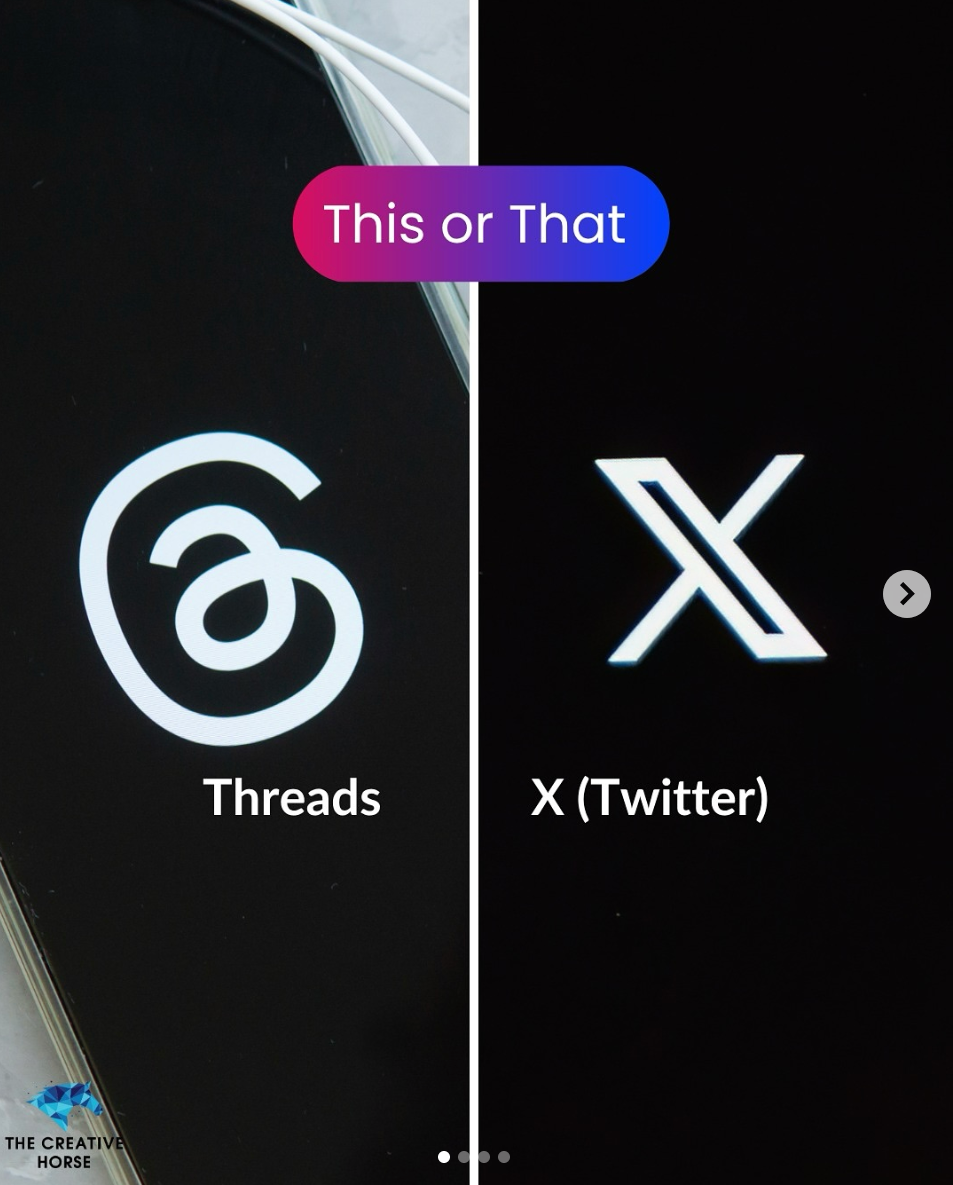
Example topics: Best tools for a task, better approach to a common problem, your take on a trend in your industry, a recommendation between two schools of thought your audience debates.
Making These Faster to Produce
Coming up with the idea is half the battle. The other half is getting it designed and posted without it taking three hours.
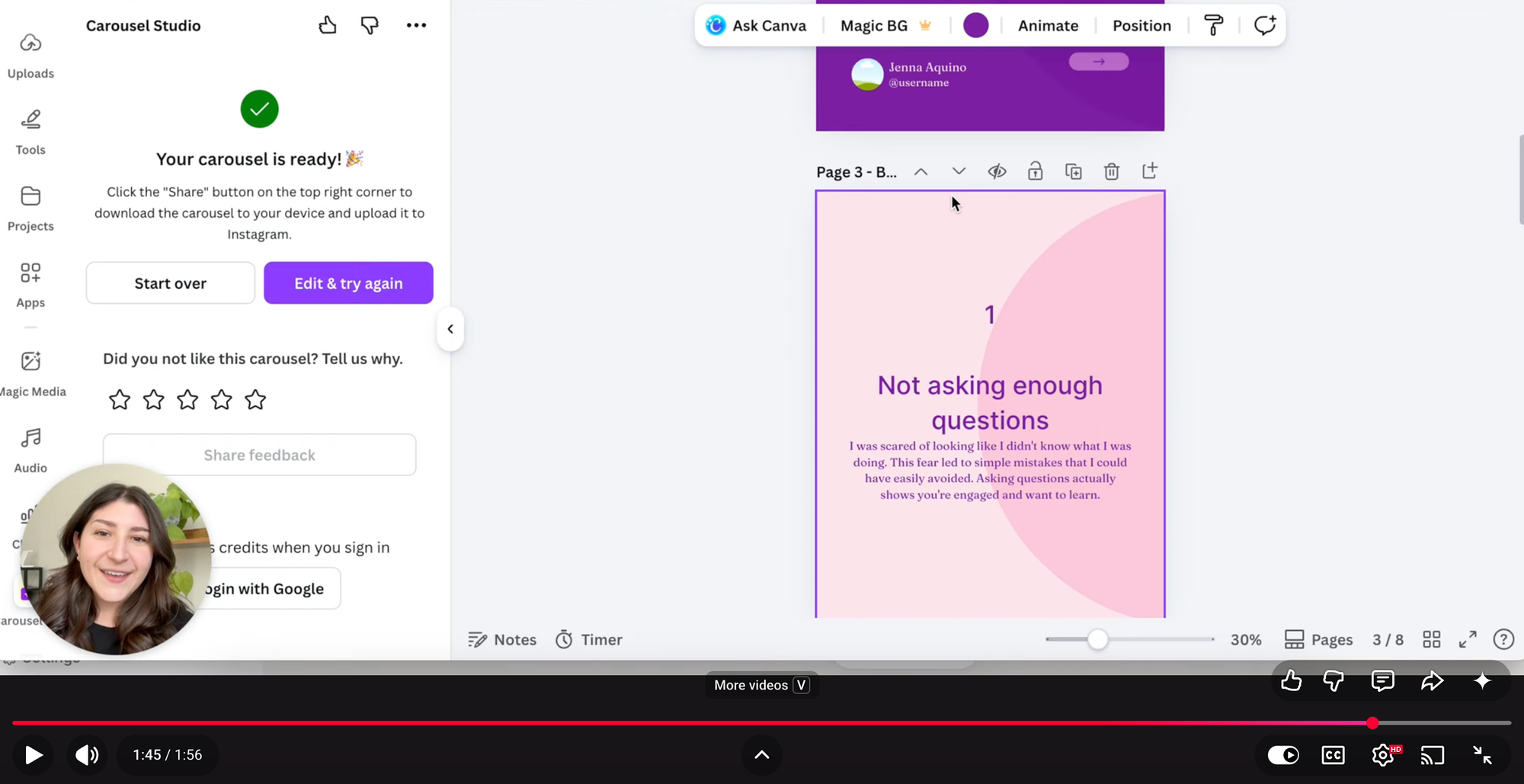
Carousel Studio is a third-party app in the Canva App Marketplace that generates a fully designed carousel from a text prompt in under a minute. Pick one of the formats above, describe your topic, and let it handle the layout, copy structure, and design. You refine from there rather than building from scratch, which means more of your time goes into the content and less into the production.
Check out this short video tutorial from the Carousel Studio team to see how it works.
Frequently Asked Questions
How many slides should an Instagram carousel have?
Between five and ten slides is the sweet spot for most carousel formats. Instagram allows up to 20, but more slides doesn't always mean more engagement. Every slide needs to earn its place. Cut anything that's padding rather than value.
What should the first slide of a carousel say?
The first slide has one job: earn the swipe. It needs to make the reader feel that the rest of the carousel is worth their time. A specific promise, a curious question, or a bold statement all work well. Avoid vague or generic openers that could have been written by anyone.
What's the best time to post carousels on Instagram?
Check your own Instagram Insights for when your specific audience is most active. As a general guide, weekday mornings and early evenings tend to see higher engagement across most accounts, but your audience's behaviour is more useful data than any general rule.
Do carousels still perform well in 2026?
Yes. Carousels consistently drive higher save rates and shares than single images, and the Instagram algorithm rewards both. While Reels tend to reach new audiences more effectively, carousels build depth of engagement with your existing audience, which is what drives follower loyalty and conversions over time.
Should every carousel end with a CTA?
Every time, without exception. The last slide is too valuable to waste. It doesn't have to be a pitch: "save this," "share with someone who needs it," or a question that invites a comment are all effective ways to drive action without feeling pushy.